Suite 25, Level 2 · Box Hill
The Podcast Studio.
Three cameras, broadcast microphones and an operator who runs the whole session for you. You turn up and talk — we handle everything else, and you leave with your footage.
The rig
Built to look and sound like broadcast.
Everything is set to documented presets before you arrive, so every episode you record here matches the last one.
- Three cameras
- Sony ZV-E10 II bodies on host, guest and a wide centre angle. Sigma 56mm f/1.4 primes on the close angles, a 16mm f/1.4 on the wide. 4K, 10-bit, S-Cinetone.
- Broadcast audio
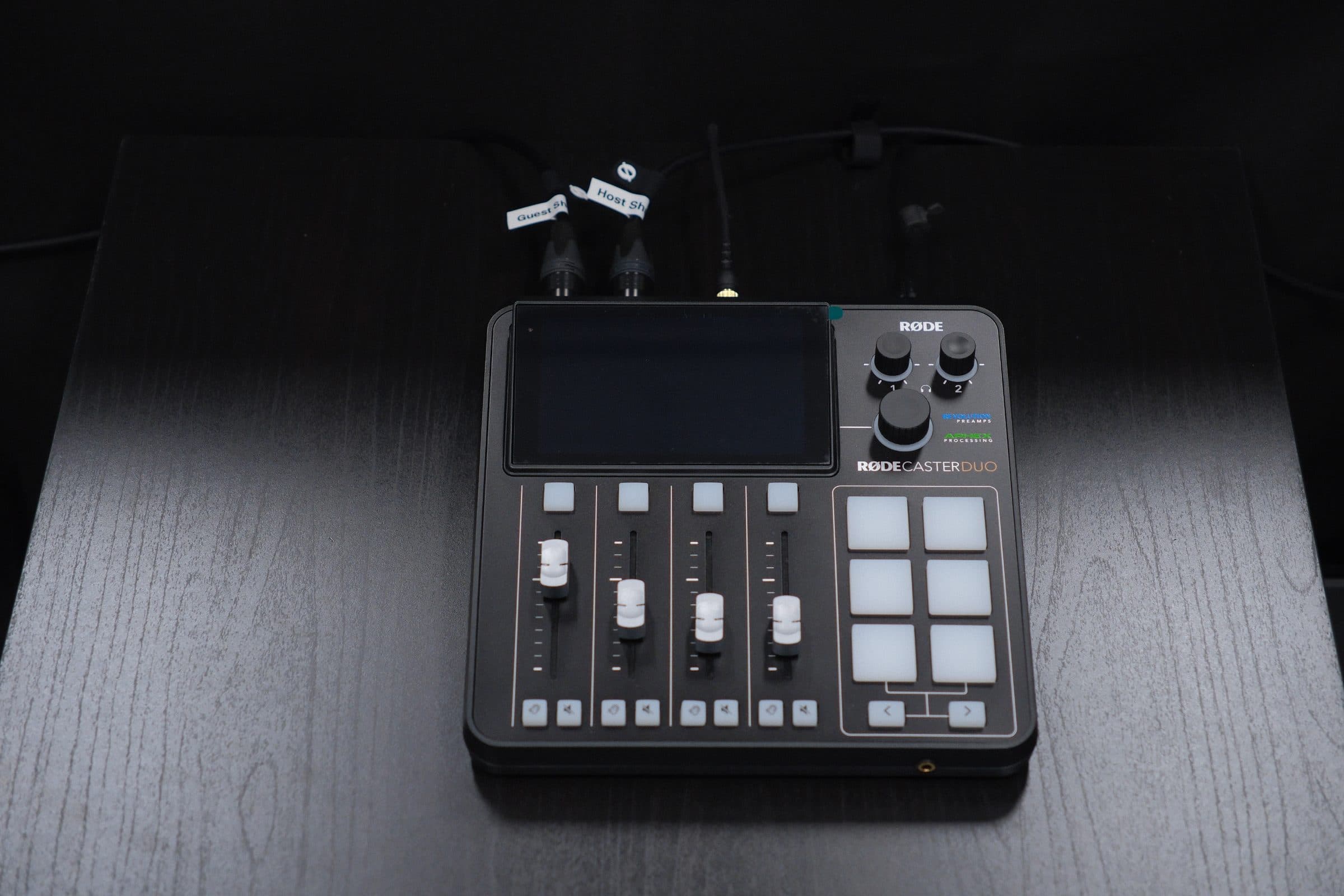
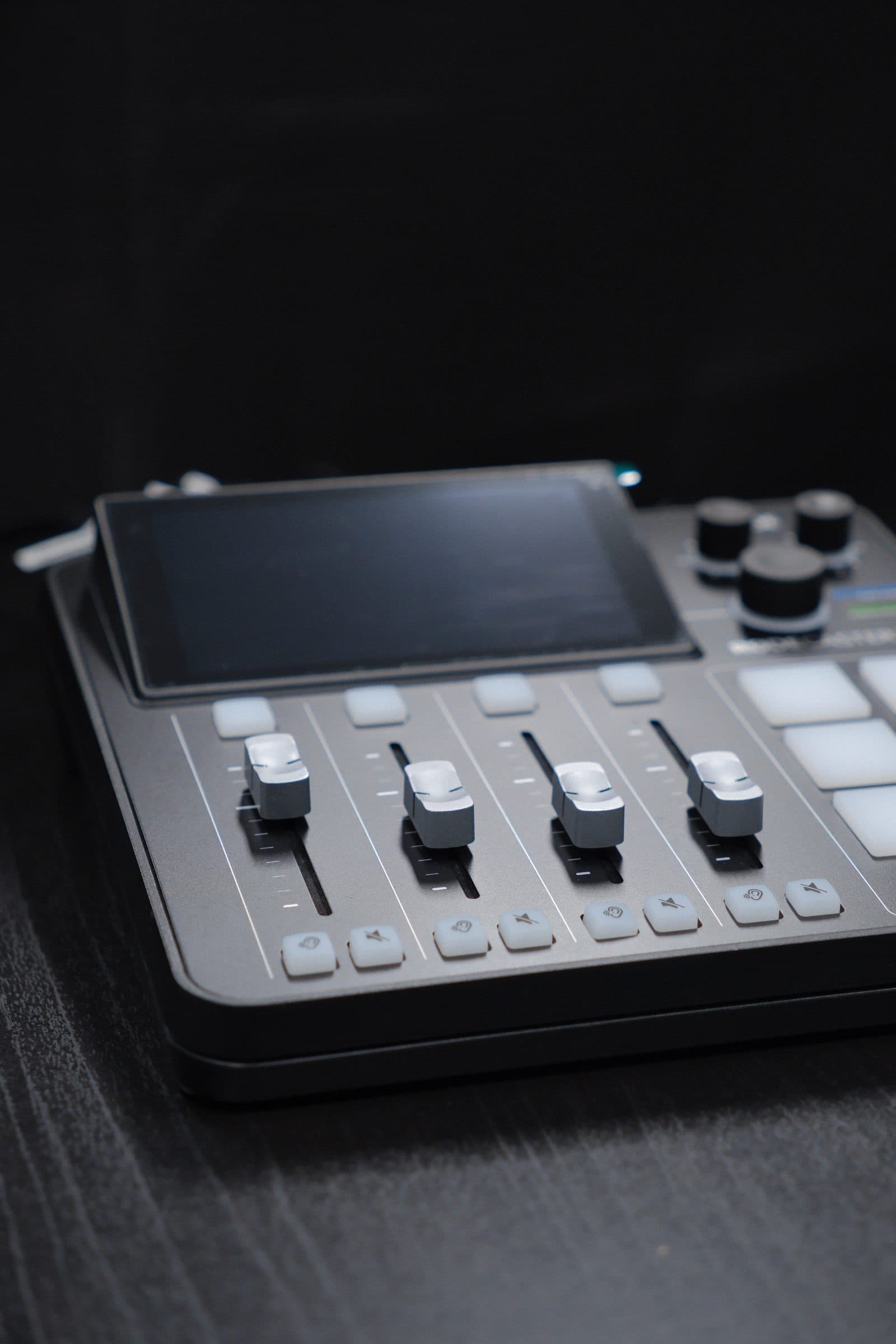
- Two Shure SM7B microphones into a RØDECaster console. Every microphone is recorded to its own track plus a mixed one, so nothing is baked in before you edit.
- Considered lighting
- Key lights on host and guest at a consistent 4500K, with backlights and tunable accent lighting. Angled to cut glare for anyone in glasses.
- An operator, always
- A member of our team runs cameras, sound and lighting for the whole session, watches the levels, and handles your files at the end.
How a session runs
Your booking includes the setup.
This is the one thing worth reading twice. Setup, briefing and file handover all happen inside your booked time — not before it, and not after.
A one-hour booking, to scale
Setup & briefing
~30 min
Cameras, sound and lighting checked, seating and microphones set, and a quick brief for you and your guests.
Recording
the rest
The session itself. In a one-hour booking that is realistically under fifteen minutes.
Transfer & reset
~15 min
Your files copied, verified and handed over, cards logged, and the studio reset.
So if you want a 45-minute episode, book two hours. Tell us the recording length you have in mind when you request a session and we will tell you honestly whether it fits.
Studio policies
What to expect, before you ask.
The studio is staffed, so it works a little differently to booking a meeting room. These are the terms every session runs under.
- 01
Requesting a session
The studio is staff-operated and cannot be booked instantly. Every session is a request — we confirm within one business day. Your slot is held while we confirm, and nothing is charged until we do.
- 02
What your booking includes
Minimum booking is one hour. Setup, briefing and file handover happen inside your booking, not before or after it — allow about 30 minutes to set up and 15 to transfer files and reset. A one-hour booking typically leaves under 15 minutes of actual recording. If you need more recording time, book a longer session.
- 03
Arriving on time
Please arrive at the start of your booked time. Setup time is part of your booking, so a late arrival shortens your recording rather than extending the session.
- 04
Our team operates the equipment
Cameras, audio and lighting are set to documented studio presets and operated by our team. Please do not move or adjust the microphones, cameras or lights — tell the operator what you need and they will handle it.
- 05
During the recording
Stay seated within the marked area so you remain in frame, speak toward the microphone rather than across it, and avoid tapping the table or handling the mic stand. Phones on silent. Water is welcome at the table but must be kept away from cables and equipment.
- 06
Your files
Recordings are copied and verified before you leave, and handed over as raw files — multi-camera video and multi-track audio. Bring a USB drive or portable SSD if you can. We keep a working copy for 14 days as a safety net, then delete it, so please confirm you have everything you need within that window.
- 07
Studio hours
The studio operates during business hours, 9:00am – 5:00pm on weekdays, because every session needs an operator on site.
- 08
Changes and cancellations
Let us know as early as you can if you need to move or cancel a session — an operator is rostered for your slot. Changing the time of a confirmed session returns it to pending while we re-check operator availability.
- 09
Care of the studio
You are responsible for any damage to the studio or its equipment caused by you or your guests. Please leave the space as you found it.
For your guests
Send this to anyone appearing with you.
Two minutes of reading makes a visible difference to how the episode turns out. We email this guide with every confirmation, too.
Microphone
- Speak toward the microphone, not across it.
- Please don’t move the microphone or its stand once you’re set up.
- Avoid tapping the table or handling the stand while recording — both are very audible.
Staying in frame
- Stay seated within the marked area so you remain in shot.
- Keep your face toward the camera or the host when you speak.
- Small, natural movement is fine — just avoid leaning far forward or sideways.
- Need a break? Tell the operator. Please don’t adjust the equipment yourself.
What to wear
- Mid-tone colours record best — avoid pure white and pure black.
- Avoid tight, busy patterns like fine stripes; they shimmer on camera.
- Glasses are no problem — the lighting is angled to cut glare.
- Skip large jewellery that can knock the microphone or rattle.
On the day
- Arrive at the start of your booked time — setup is inside your booking.
- Phones on silent, please.
- Water is welcome at the table, just away from cables and equipment.
Request a session
Tell us what you’re recording.
The studio isn’t instant-book — an operator has to be rostered for your session. Send a request and we’ll confirm within one business day. Nothing is charged now.
Not sure yet?
Come and see the studio.
Book a tour and we’ll walk you through the room, show you the setup and talk through what your episode would look like.